The Member Path: What Happens When You Join?
June 12, 2026 · Krishna Kamath
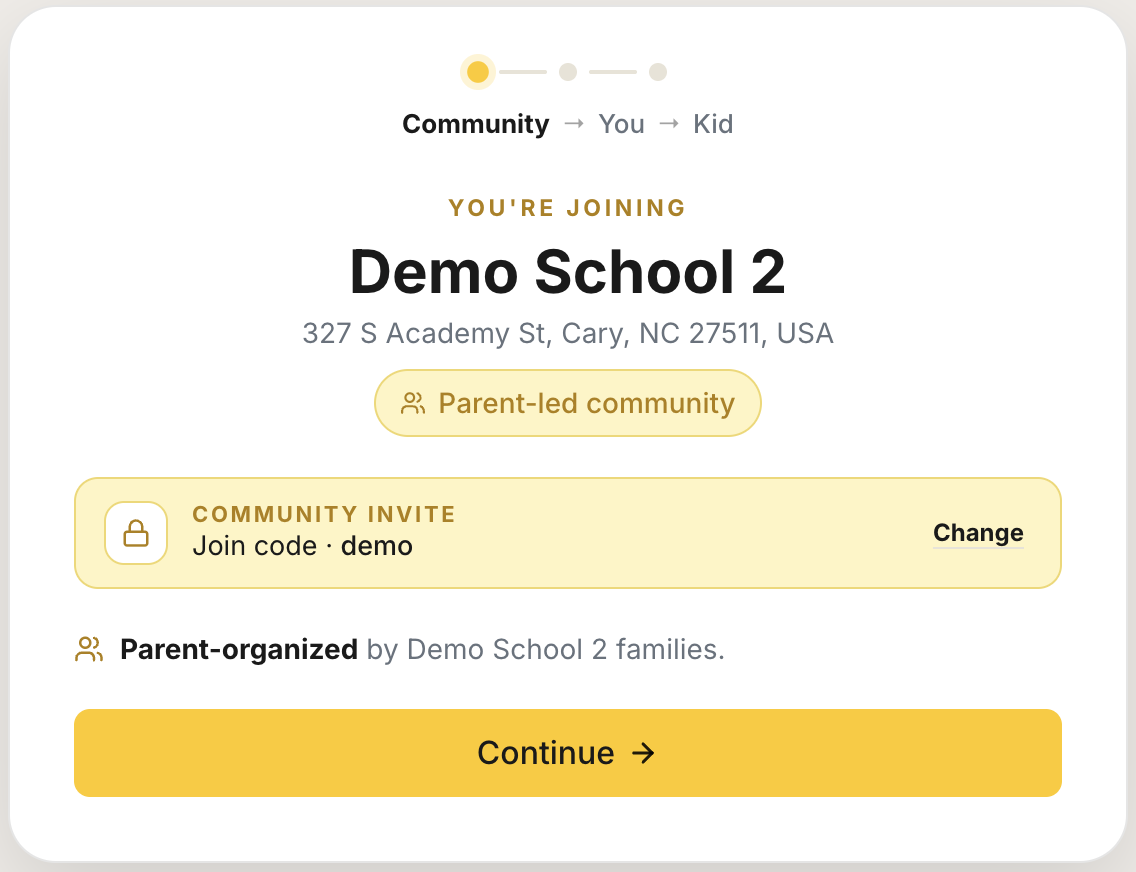
A parent invites you to Carpool.School. Or your organization's staff sends you a personal invite. What's actually waiting on the other side?
Most families join looking for help with one thing: a morning drop-off, an afternoon pickup, or a regular activity run. Setup takes a few minutes. After that, you can see nearby families heading the same way and start building a carpool that works for everyone.
Getting started
However your invite reached you, the process is the same:
- Tap the invite link. You're joining the community that invited you.
- Create your account.
- Add your child, their activities, schedule, and the rides you need.
You can update any of this later as schedules and activities change.
Before you finish setup, it's worth knowing that your exact address never appears to other families. Nothing you enter is visible outside your community. What stays private →
No invite yet?
You don't need one to start. Search Carpool.School for your school, camp, team, or group. If a community already exists, you can ask to join right from its page with your name and contact details.
Your ask goes to whoever runs the community. If they approve it, an invite lands in your email and you pick up at step 1 above. If you don't hear back, you're welcome to ask again later. Some communities are open to anyone, in which case there's nothing to ask: you join the moment you arrive.
Finding other families
Once you're set up, the Home tab shows families nearby who are heading the same way at similar times.
You can:
- Browse families in your community directory
- Post a request for a drop-off or pickup
- Browse requests from other families
- Message families in the app
- Join activity groups: other families doing the same activity at the same time (soccer practice, chess club)
- Create a private group: a small coordination space for one carpool, no need to start a whole new community for it
There is no public feed. Everything stays within your community.
Wondering how families actually go from a nearby match to a real carpool? How families connect →
Building a carpool
When you've found families you trust, you can connect with them. Connecting is mutual, both sides accept, and only then do phone numbers and direct calling unlock. Until then, everything routes through the app. Carpool.School doesn't decide who rides with whom or vet families. Those decisions stay with parents.
Once you're connected, your carpool lives in one place:
- Manage recurring drive schedules
- Get reminders before each run
- Follow driver arrivals live
- Push schedule changes to everyone at once
- Handle school dismissal pickup, if your organization uses dismissal management
The goal is simple: help families find each other, coordinate rides, and stay organized. The carpool itself happens however you want it to: "I'll drive Mondays, you drive Wednesdays."